When to use this tool
- Product photos for a shop listing
- Profile pictures and team pages
- Cutouts for design mockups
- Objects that become stickers or assets
AI image tool
Cut the subject out of a photo and keep it on transparency, at the pixel size you uploaded. The example below runs free, without an account.
Token2Any is an independent browser-based Token2Any-style effect converter, online visual enhancer and AI image generator for creating visual references from uploaded game frames and character images. It keeps structure, pose and identity as reviewable constraints while changing style, lighting and materials, and also offers separate upscale and restoration workflows. It is not an official Token2Any runtime.
Remove a background →Try free example →
JPG, PNG and WebP · up to 10 MiB and 16 MP · transparent PNG at the original size
The reference example runs without an account; your own upload requires sign-in.
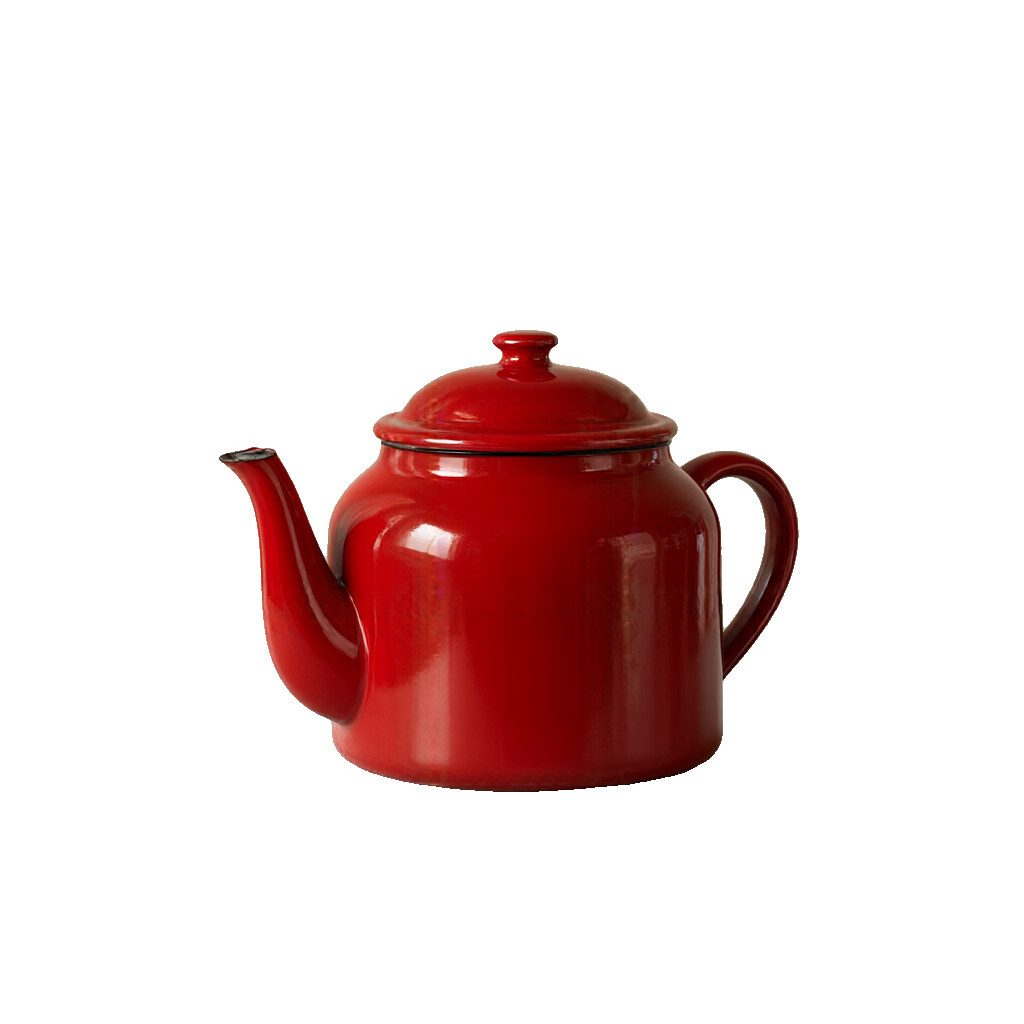 Free reference case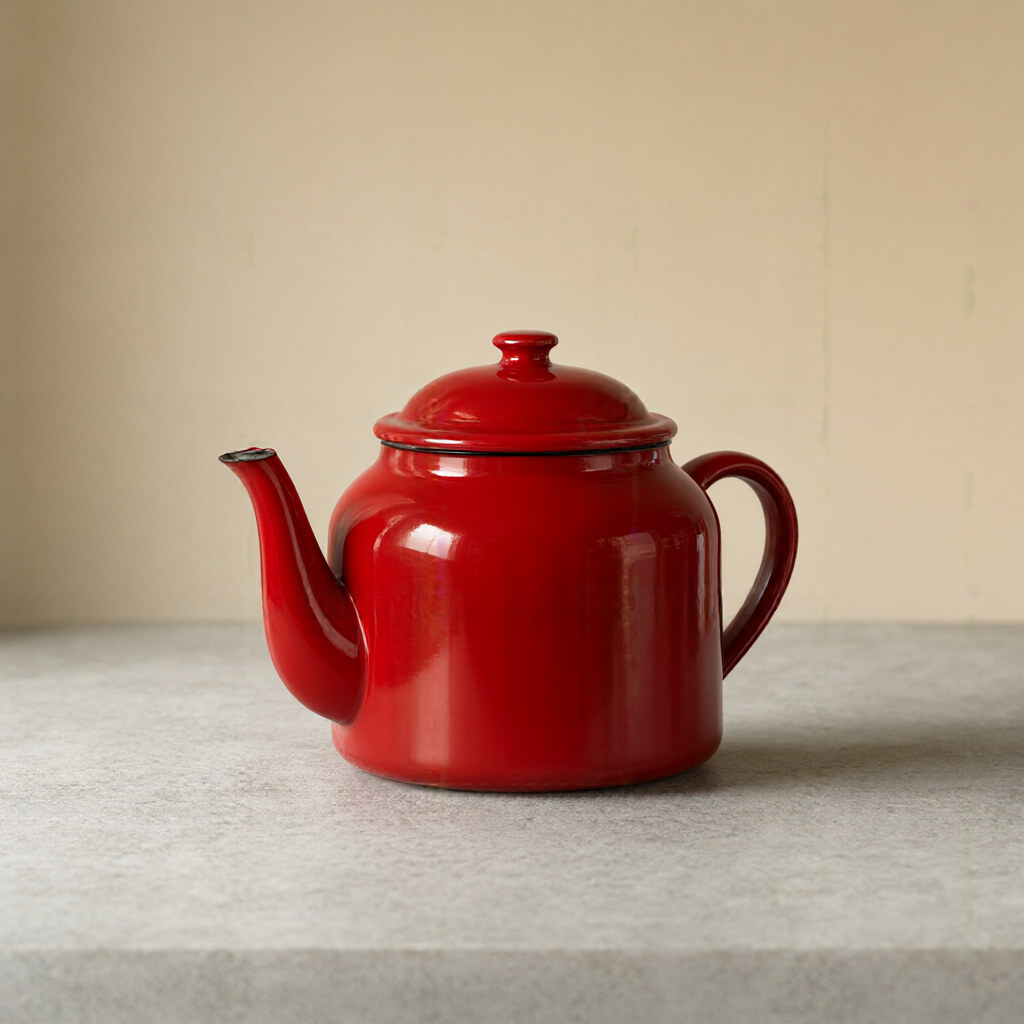
Remove Background is a browser-based subject cutout workflow for people who already have a source image and need a controlled visual change. It uses a task-specific instruction rather than a blank prompt, so the requested output starts from the existing composition, subject or material. The page's before-and-after example is an illustrative reference; the result from your own file depends on its resolution, lighting, crop and visible detail.
The workflow has three decisions. First, choose the largest original file instead of a screenshot or a second-generation social download. Next, confirm what is allowed to change and what must remain anchored: the task prompt is written for subject cutout, while the page shows the applicable input and output limits before submission. Finally, compare the source and result at 100 percent and download only after the information-sensitive areas pass your review. This order matters because a plausible AI result can look polished while still changing a face, label, edge or background.
Use a clear JPG, PNG or WebP with enough pixels for the details you care about. For this page, the published intake note is: JPG, PNG and WebP · up to 10 MiB and 16 MP · transparent PNG at the original size. A clean input gives the model stronger evidence about edges, colour and texture. If the source is already heavily compressed, crop it tightly or find the original before spending a credit. Keep the source file beside the output; the service is an enhancement estimate, not a reversible edit history.
This workflow is a good fit for Product photos for a shop listing, Profile pictures and team pages, Cutouts for design mockups, Objects that become stickers or assets. It is especially useful when the subject is already recognizable and the job is to remove the background from it while preserving the scene's main structure. It is less useful when the source has no recoverable detail, when the requested change is an exact measurement, or when the output will be used as an official record. In those cases, use the original capture, a design or editing application, or the receiving authority's own specification.
Best on a single subject with a reasonably distinct edge — products, people, pets or objects. Very fine detail such as loose hair, glass and motion blur may keep some background, and a see-through subject cannot be cut out cleanly. The cut does not change your image size, but the model can still round off very fine edges such as hair or transparent materials. Keep the original file and compare before publishing. The service cannot guarantee that a small character, logo, number, face or repeated pattern will remain unchanged. A larger output also does not create new factual evidence; it creates a more usable visual estimate.
Your allowance and the task cost are shown before a signed-in job starts. The public example is available for comparison, while processing a personal file uses the displayed credit amount. A failed generation on our side is handled by the account workflow according to the billing policy. Check the output target and the source dimensions first so a task is not spent on a size you cannot use. For batch or API work, compare the per-image cost with storage, retries and your own review time.
Before publishing, compare the result with the original in a fixed order: overall composition, subject identity, long straight edges, small text or labels, repeated texture, colour and shadows. Zooming to 100 percent exposes halos and invented marks that a thumbnail hides. For portraits, check eyes, teeth, hairline and skin texture. For products or architecture, check logos, windows, perspective and material boundaries. For generated edits, check that the requested change is present without unrelated objects or background drift.
No. The cutout keeps the pixel dimensions of the file you uploaded and only changes what is behind the subject — the output is a PNG with an alpha channel.
Yes. The API accepts a background colour for the same tool, so a product shot can come back on white without a second step. The studio currently returns transparency.
One clear subject with an edge you can already see: a product on a plain surface, a person against a wall, or an object on a table. Busy backgrounds and see-through materials are harder.
Two: the file is capped at 10 MiB and the picture at 16 megapixels (for example 4928 × 3264), which comfortably covers a 12 MP phone photo and 4K or 5K screenshots. A phone's 48 MP high-resolution mode is over both limits, so the studio measures the picture when you pick it and tells you before anything is submitted.